
I moved the photo pile to Immich. Face recognition, maps and memories, without feeding the lot into somebody else’s cloud. This is my DIY Immich photo frame: a portrait display that makes the library useful on the wall rather than just impressive on a server.
That left the important bit: turning it into something SWMBO would actually use. So I built a portrait frame that boots itself, fixes itself after a power cut and has proper buttons. Brownie points, engineered.
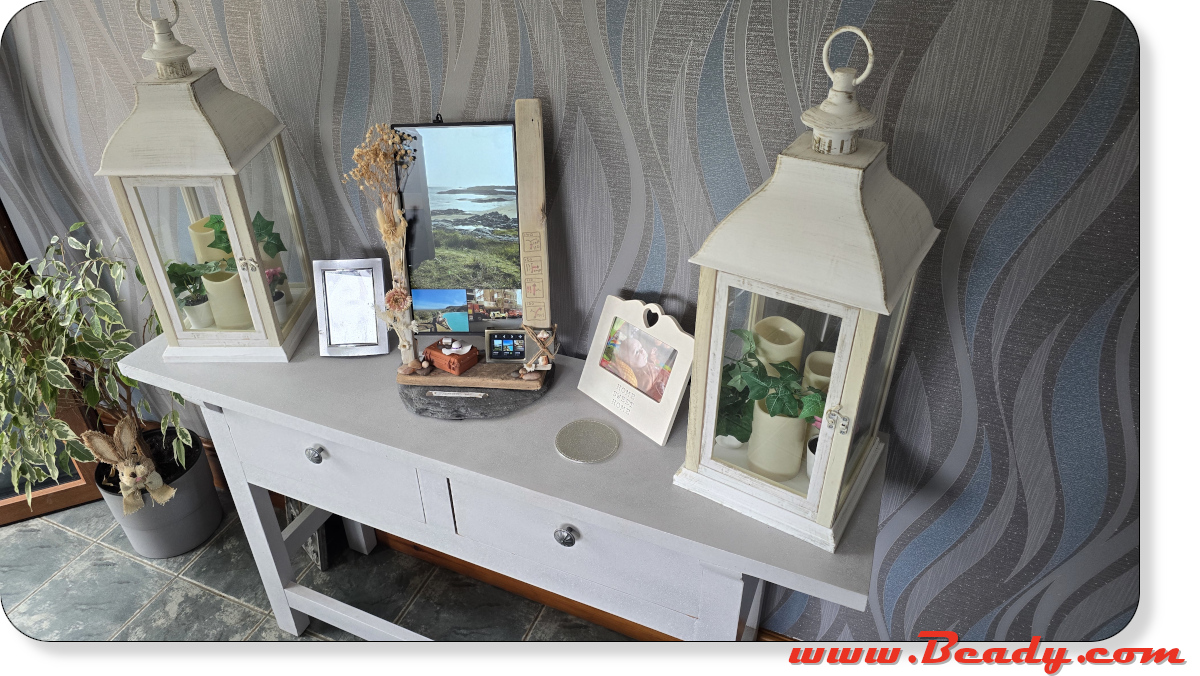
What this DIY Immich photo frame does
- One large photo and two smaller ones, shuffled every 20 seconds.
- The USB controller mirrors all three thumbnails and shows date, faces and location.
- Tap a photo to freeze it, open its map, hide the photo or folder, or send that exact image.
- MQTT turns the main screen and controller on or off and reports the real state back.
- After a cold boot it gets back to the frame without somebody hunting for a remote.
The send button uses Reticulum and LXMF. The frame waits for an announcement, then routes the selected photo to MeshChatX or Columba. No Google account and no extra Wi-Fi gadget on the controller.
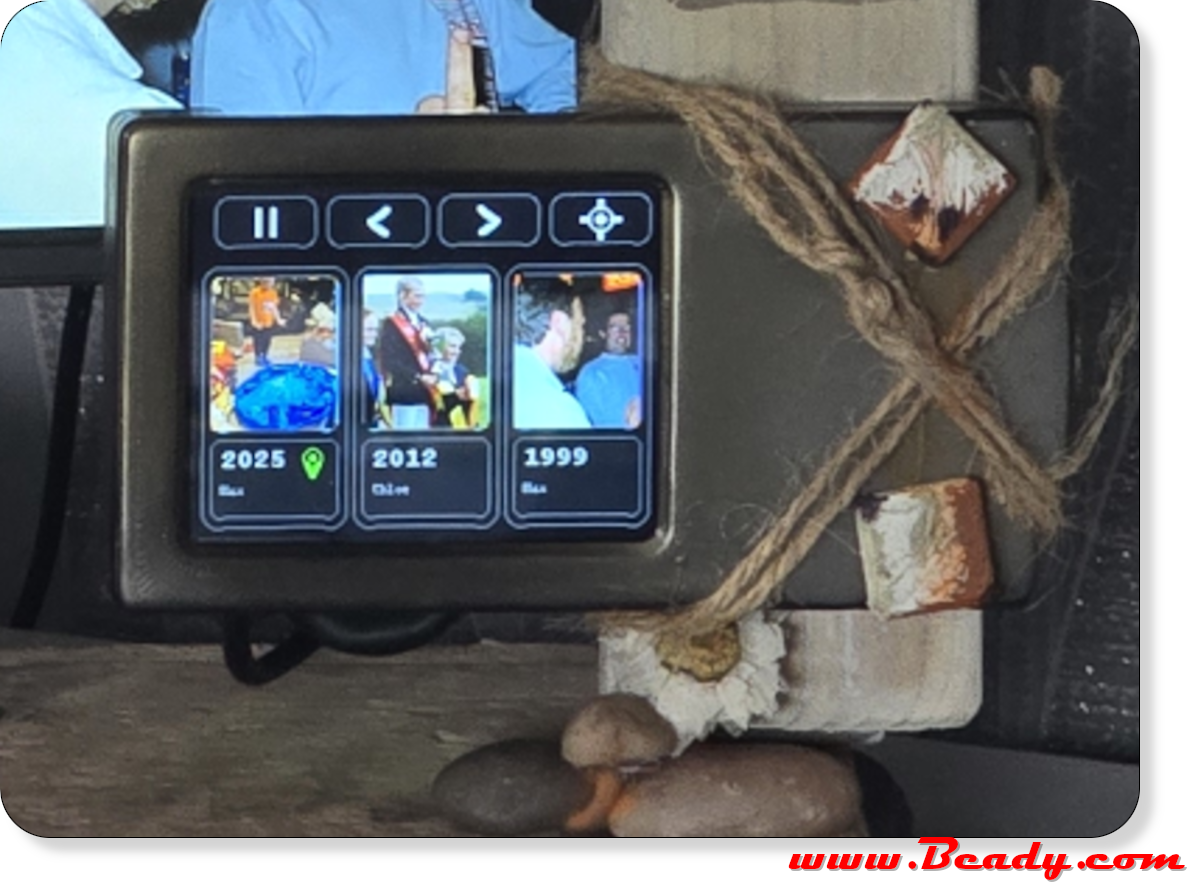
DIY Immich photo frame hardware
The original Immich server already lives in Docker on a Windows 11 PC. The frame stack runs beside it, while an X88 Pro 13 Android box, a cheap portrait HDMI IPS screen and a Waveshare RP2350-Touch-LCD-2.8 controller make up the visible end.



The original wall-warts were a bit marginal, so I used one proper regulated 5V/4A Waveshare supply. A 5.5 x 2.1 mm splitter powers the X88 and the screen; a right-angle 5.5 x 2.1 mm female-to-USB-C male adapter makes the screen connection fit neatly. The splitter advert may say 12V, but it is only a passive cable: the supply here is 5V, centre-positive. Do not put 12V into a USB-C screen.
Build your own Immich photo frame
The working Docker files, three-panel composer, Android helper, RP2350 firmware, MQTT control and Reticulum sender are here:
github.com/TheBeadster/ImmichFrame-Touch-Frame
The guide starts from bare metal and only includes the version that survived the power-cycle tests. No archaeology through the dead ends.
